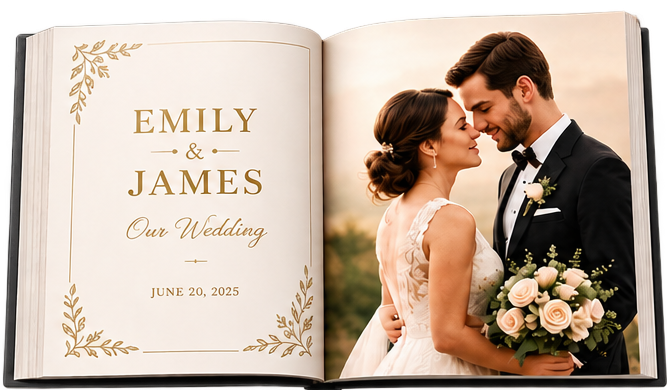
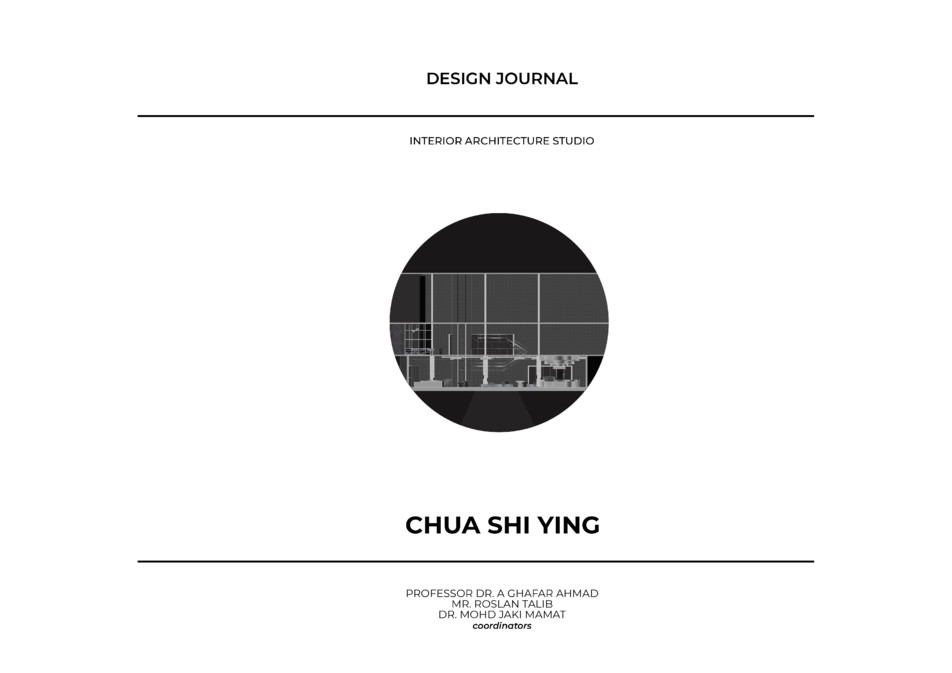
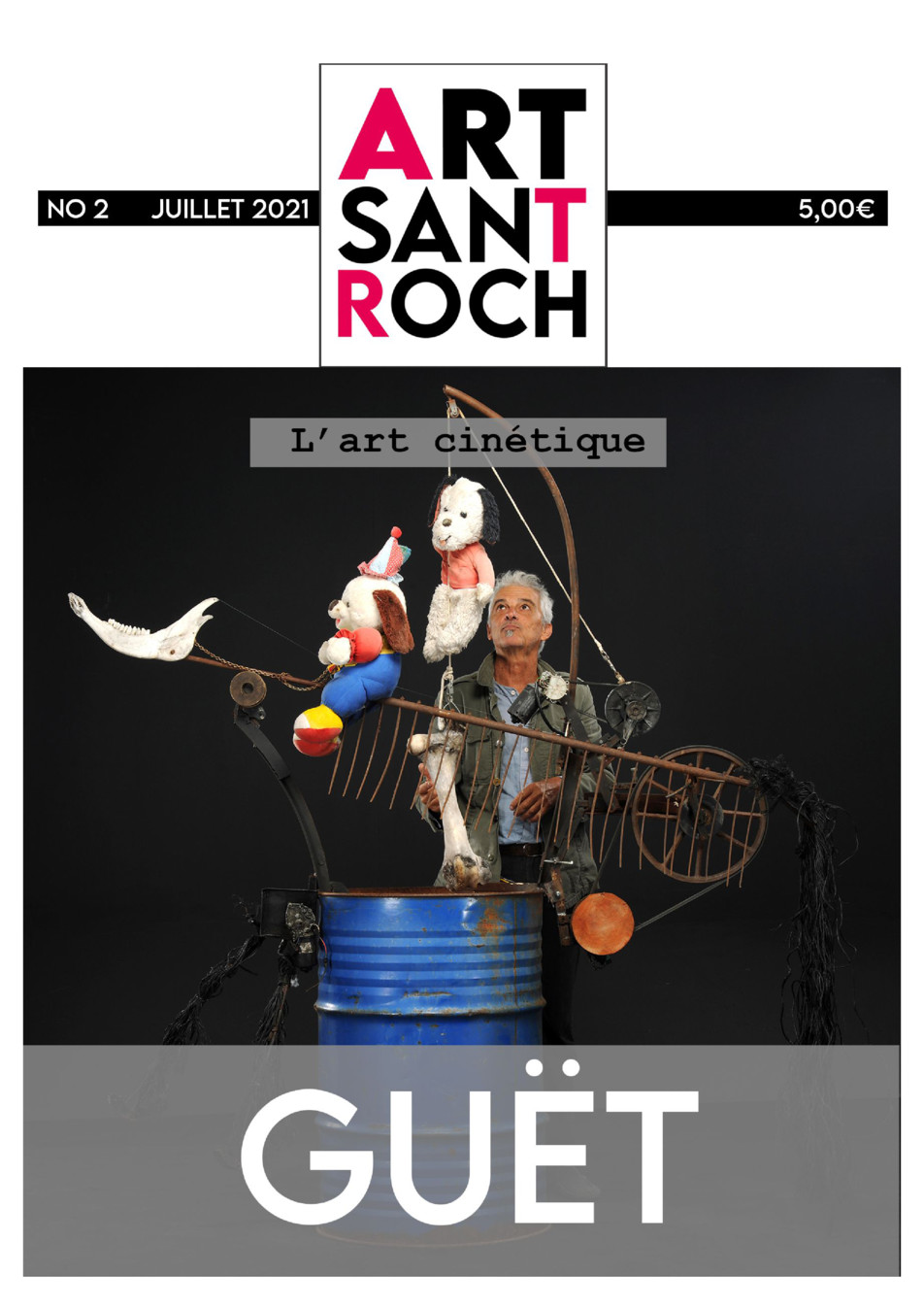
JPG and PNG, taken with your phone or saved from anywhere. Select several at once and they become the pages of a single book, in the order you picked them. Photos taken upright stay upright, and the background colour fills the margins when a photo is not the shape of a page. PDF, Word and PowerPoint files work too, on their own pages.
Is it really free?
Yes. Converting and sharing a flipbook costs nothing and does not require an account. Adverts are shown to readers; you can remove them, along with the Fleepit logo, for 2 EUR for one flipbook or 9 EUR a month for all the flipbooks on your account.
Do my readers need to install anything?
No. A flipbook opens in any browser, on a computer, a tablet or a phone. There is no app and no account for the reader.
Can my photos stay private?
Yes. A new flipbook is private: only the people you send the link to can open it, and it is not listed on Fleepit. You can add a password, and make it public later if you want it findable on Google.
Are my photos kept as they are?
Yes. Each photo becomes a page, in the order you picked them, keeping its proportions. A photo taken upright stays upright, and one taken sideways stays sideways. When a photo is not the shape of a page, your background colour fills the margins rather than cropping it.
Can I see how many people read it?
Yes. Each flipbook counts its views, its shares network by network, and the likes readers leave.
What is the maximum file size?
Up to 100 MB. Beyond that, exporting your PDF again at a lower resolution is usually enough — a document meant to be read on screen does not need print resolution.
Can I embed my flipbook on my website?
Yes. The flipbook settings give you a ready-made snippet to paste into your pages, in two sizes and in a transparent version.
Can readers download my photos?
It is up to you. A download button can be shown or hidden from the flipbook settings.